Creating a Paid Event
Set Up Ticket Prices
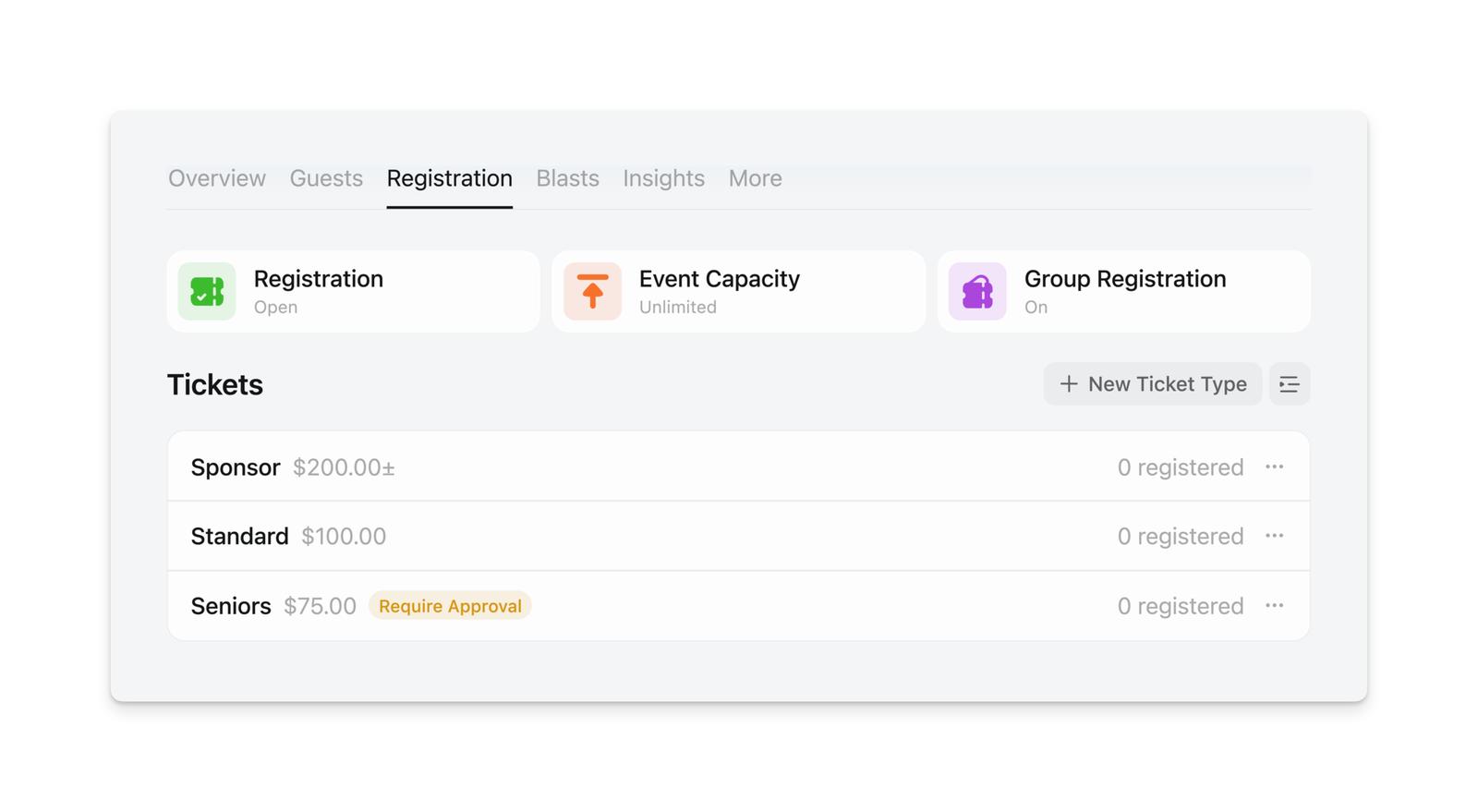
Once you’ve linked your Stripe account, you can set up ticket prices for your event on the Registration tab.
Choosing Your Currency
When you set a ticket price, you choose which currency to charge in (USD, CAD, EUR, GBP, etc.). This is the currency guests will pay in — Luma does not automatically convert currencies based on the event location or the guest’s location.
For example, if you’re hosting an event in Toronto and price your tickets at $50 CAD, all guests will pay $50 CAD regardless of where they’re located. If you price at $50 USD, all guests pay $50 USD.
Note: The way prices are displayed may vary slightly based on the viewer’s language settings (for example, “€50” vs “50 €”), but the actual currency and amount are always what you set. See Languages for more on display formatting.
Ticket Types
You can create multiple ticket types for your event with different prices and descriptions, and when guests check out, they will choose which ticket they want to purchase:
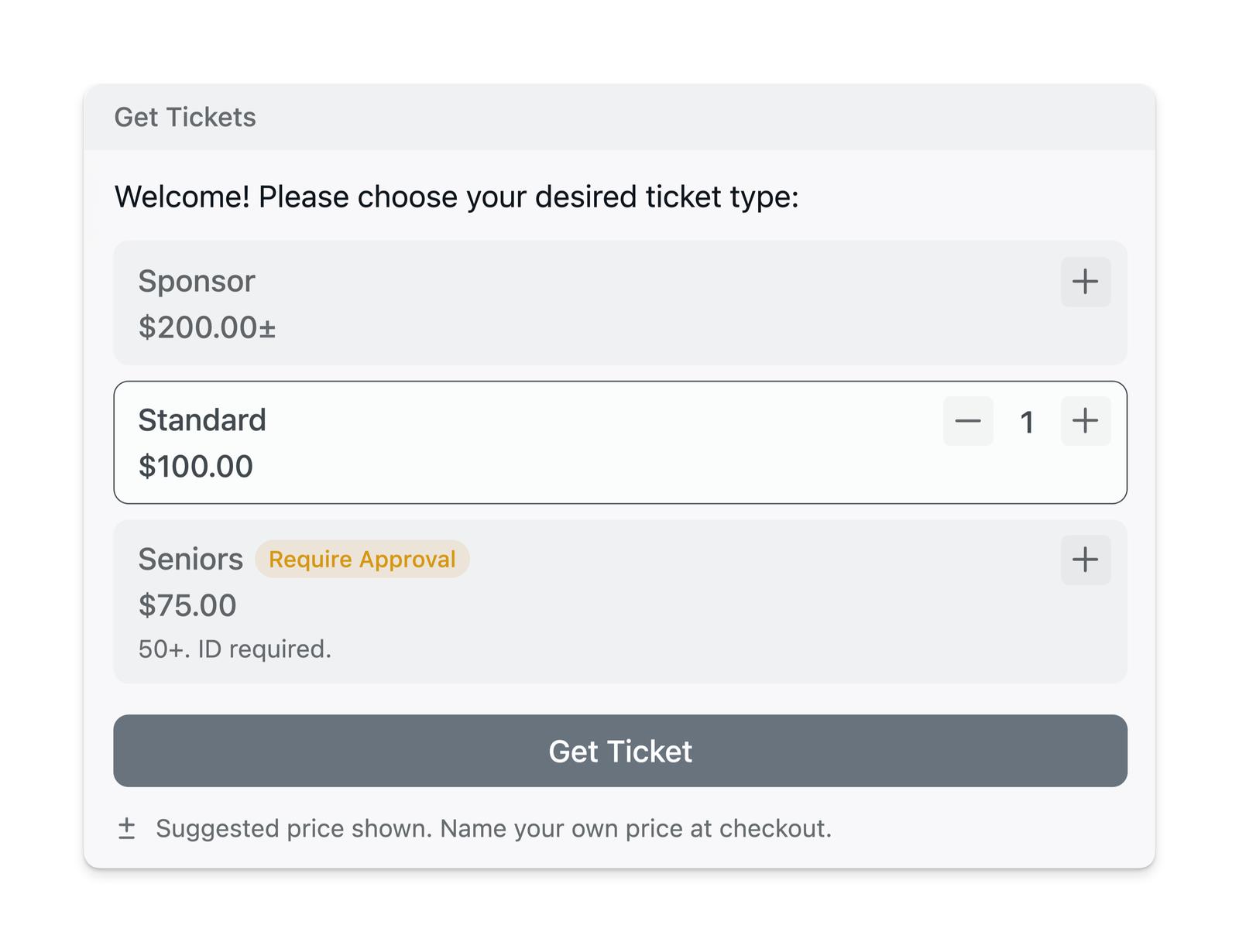
You can set up tickets with flexible pricing, such as:
- suggested price + minimum price
- donation-based pricing — suggest a price, but guests can choose to register for free
You can also enable Require Approval for your paid tickets; guests are only charged when you approve their application.
If your event has a capacity limit, you can also enable a waitlist for paid tickets. Guests authorize payment when joining the waitlist, and they are only charged if you approve them from the waitlist.
Luma Fees
You can find more information at luma.com/pricing.
Transparent Pricing for Customers
Luma always shows customers the full price they’ll pay upfront. Unlike some platforms, we don’t add surprise fees at checkout or break out platform fees separately. The price you set is exactly what your guests will see and pay.
This approach aligns with consumer protection laws in many countries and US states that now require businesses to show the total price upfront, and it creates a more trustworthy experience where guests don’t feel misled by hidden fees.
Covering Platform Fees
While Luma doesn’t offer an option to add fees on top of ticket prices, you can effectively have customers cover the platform fee by adjusting your ticket price accordingly. For example, if you want to receive $50 per ticket after fees on the free plan (5% platform fee + Stripe fees), you could price your tickets at approximately $52.50.
This transparent pricing model has helped make Luma a more trusted platform where attendees know exactly what they’re paying from the start — no one ends up paying $80 for what they thought was a $50 ticket.