Group Registration
If you are hosting an event where a guest may want to register for multiple tickets, you can turn on Group Registration from your event.
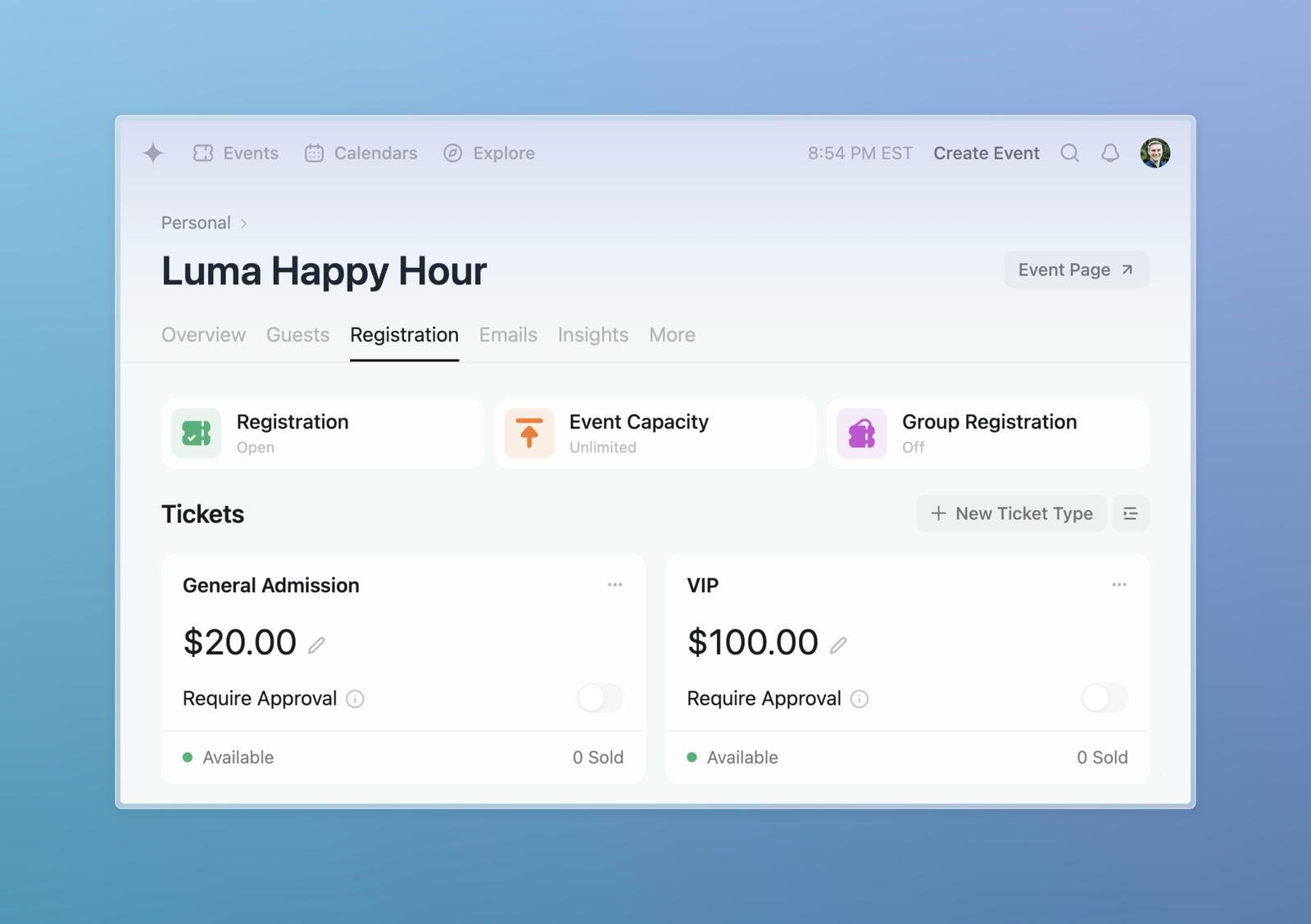
You can turn on Group Registration from the Manage Event > Registration tab. You can see the button below in purple.
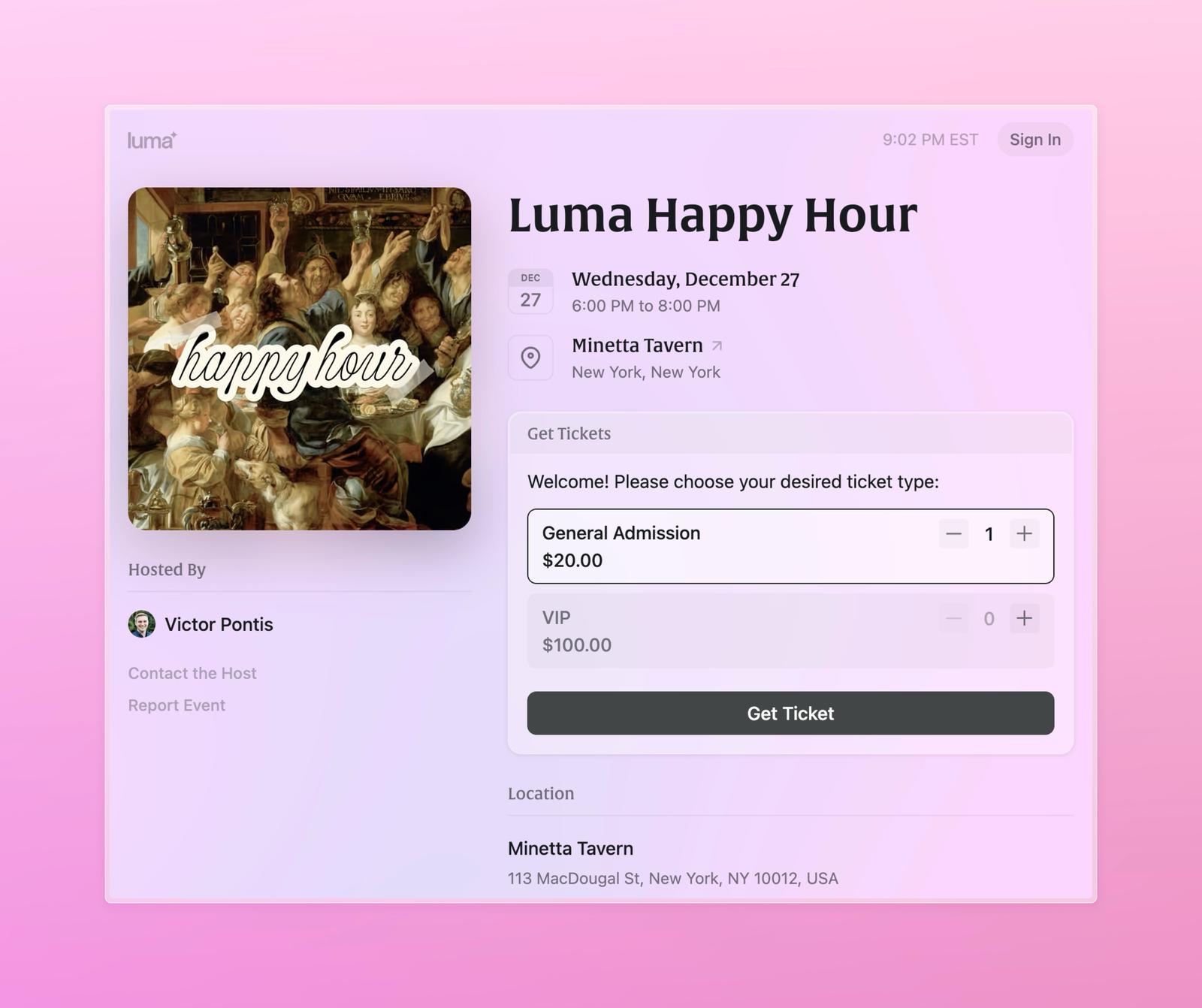
When a guest registers, they’ll be able to select how many tickets they’d like to register for before checking out.
Capacity Settings
You can limit the total number of tickets available in two ways:
- Ticket Capacity: Edit a ticket type, go to Limits & Restrictions, and set the Ticket Capacity to limit how many of that specific ticket can be sold.
- Event Capacity: On the Registration tab, click Event Capacity to set an overall limit for the total number of guests.
Note: There is no setting to limit how many tickets a single guest can register for at once. When Group Registration is enabled, a guest can select any number of tickets up to the remaining capacity.
Adding More Tickets After Registration
If a guest has already registered and wants to purchase additional tickets later, they need to be signed in to their Luma account. If they’re not signed in and submit the registration form again, they’ll see a message saying “Please sign in to register for additional tickets.” This is the only case where a guest is asked to sign in — new guests never need an account to register.
Once signed in, they’ll see a link on the event page to “register for additional tickets” where they can select and purchase more tickets.
Limitations
-
We do not yet support collecting additional information (like first/last name) for each guest or having custom registration questions for each ticket type. The person registering will fill out their information along with whatever registration questions are on the event.
-
Ticket types that require approval cannot be purchased as additional tickets. When a guest returns to the event page to buy more tickets, they won’t see ticket types with Require Approval enabled. This is because approval is granted at the guest level, not the ticket level — when you approve someone, you’re approving them for the tickets they requested at registration, not for unlimited future purchases. If you need to give an approved guest more tickets of a require-approval type, you can manually add tickets from their guest details panel.
-
Coupons cannot be applied when purchasing additional tickets. Guests can only use coupon codes during their initial registration. If someone needs a discount on additional tickets, you can manually adjust their order or issue a partial refund after purchase.
-
Additional tickets stay tied to the purchaser. A group order is a single guest record, so the extra tickets carry the purchaser’s name and additional attendees don’t get their own wallet pass. At check-in, scan the purchaser’s QR code to pull up all their tickets, or hand out per-ticket QR codes from the CSV export. For a named ticket and wallet pass per person, have each guest register individually.