Hiding Your Event Location
You can restrict event location to approved guests by doing the following:
- Going to the Manage Event page on web
- Clicking the Edit Event button on that page to open up a panel that shows the event information
- Scrolling down and finding the checkbox for Restrict Location to Guests
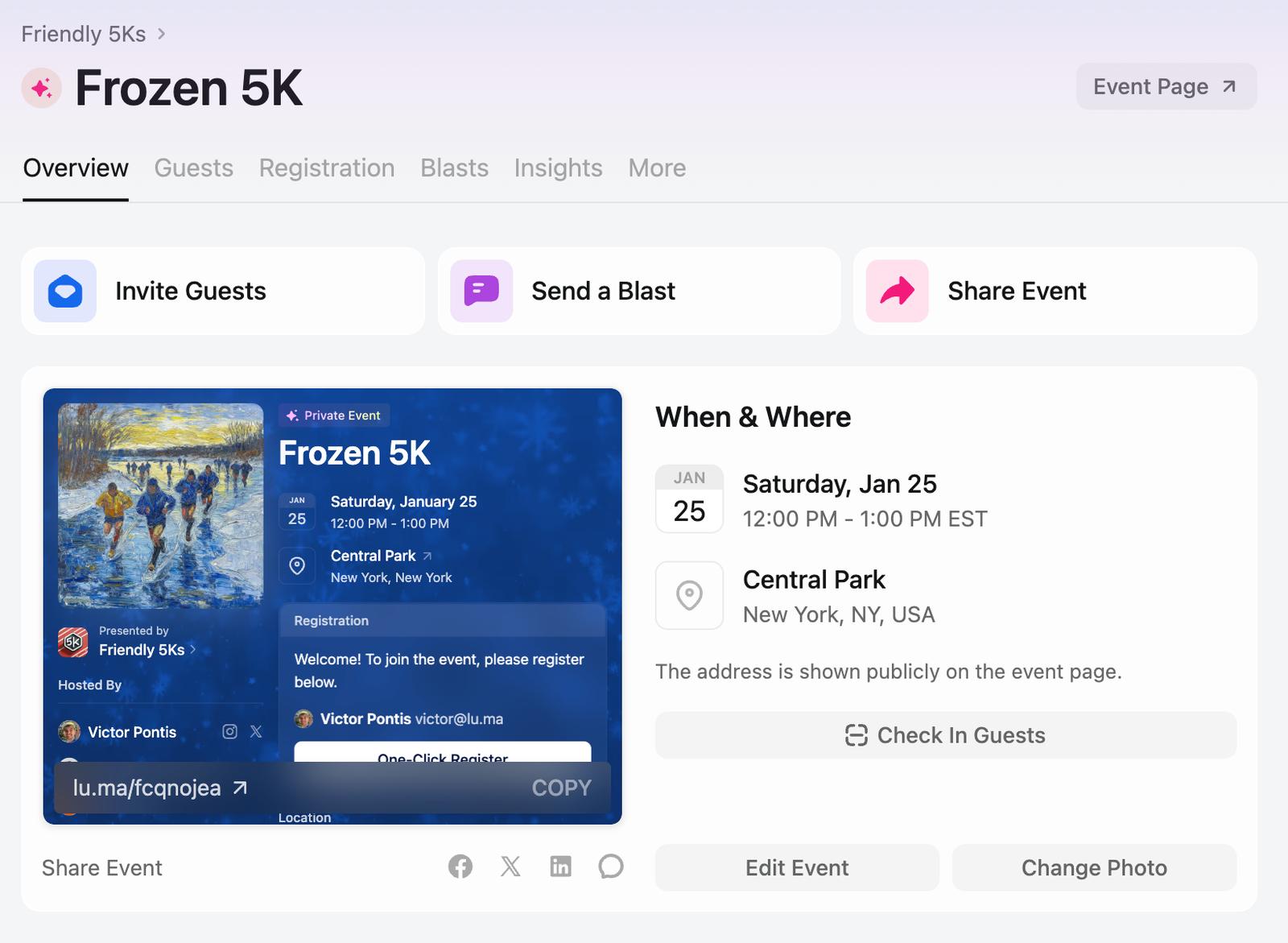
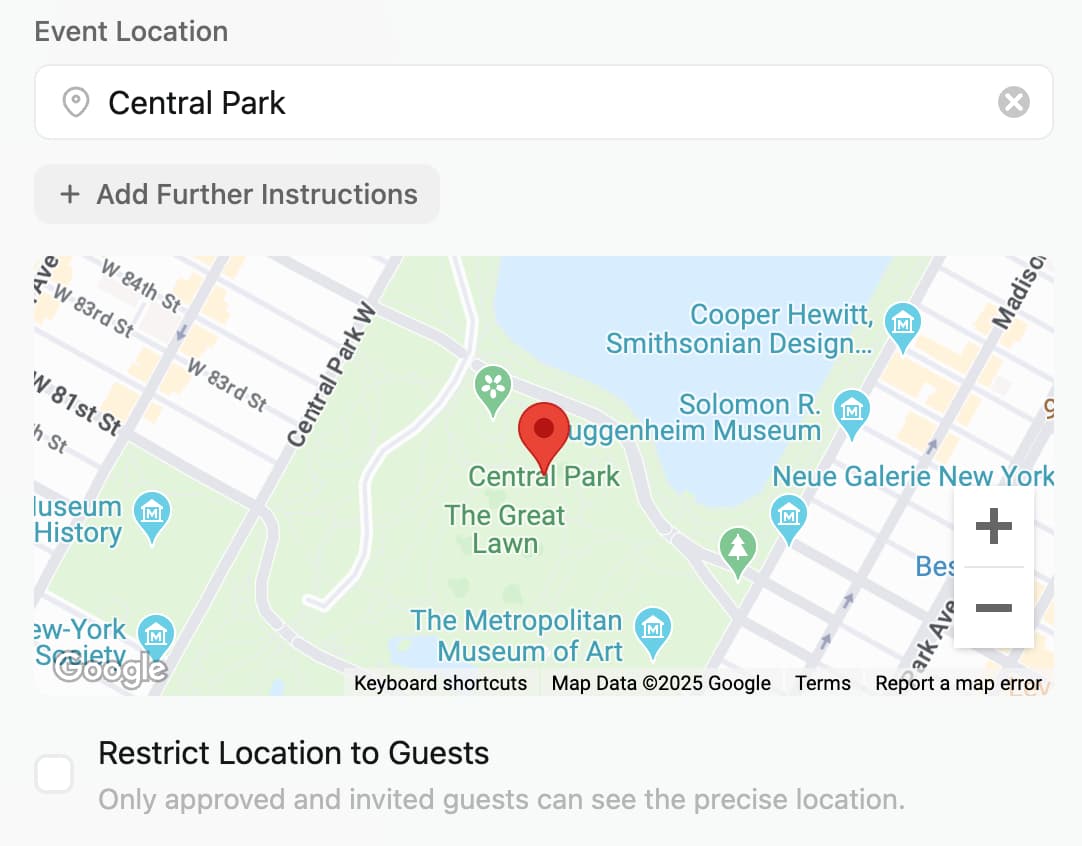
Visitors to the event page will still see the city and approximate location of the event but they won’t see the address or the precise location. For example, if you’re hosting an event at your house in New York City, the event page will show that it’s in New York but not where your house is.
Note: This is independent from event visibility. You can have a Public or Private event and still restrict the physical location visibility of your event to approved guests.
Why You Still See the Full Address
If you’re a host or an approved guest, you’ll see the full address everywhere your event appears — on the event page, on calendar pages, and on featured lists. The restriction only hides the precise location from people who haven’t been approved.
To check what other visitors see, open the page in a private/incognito window (or sign out). You should see only the city and approximate area.