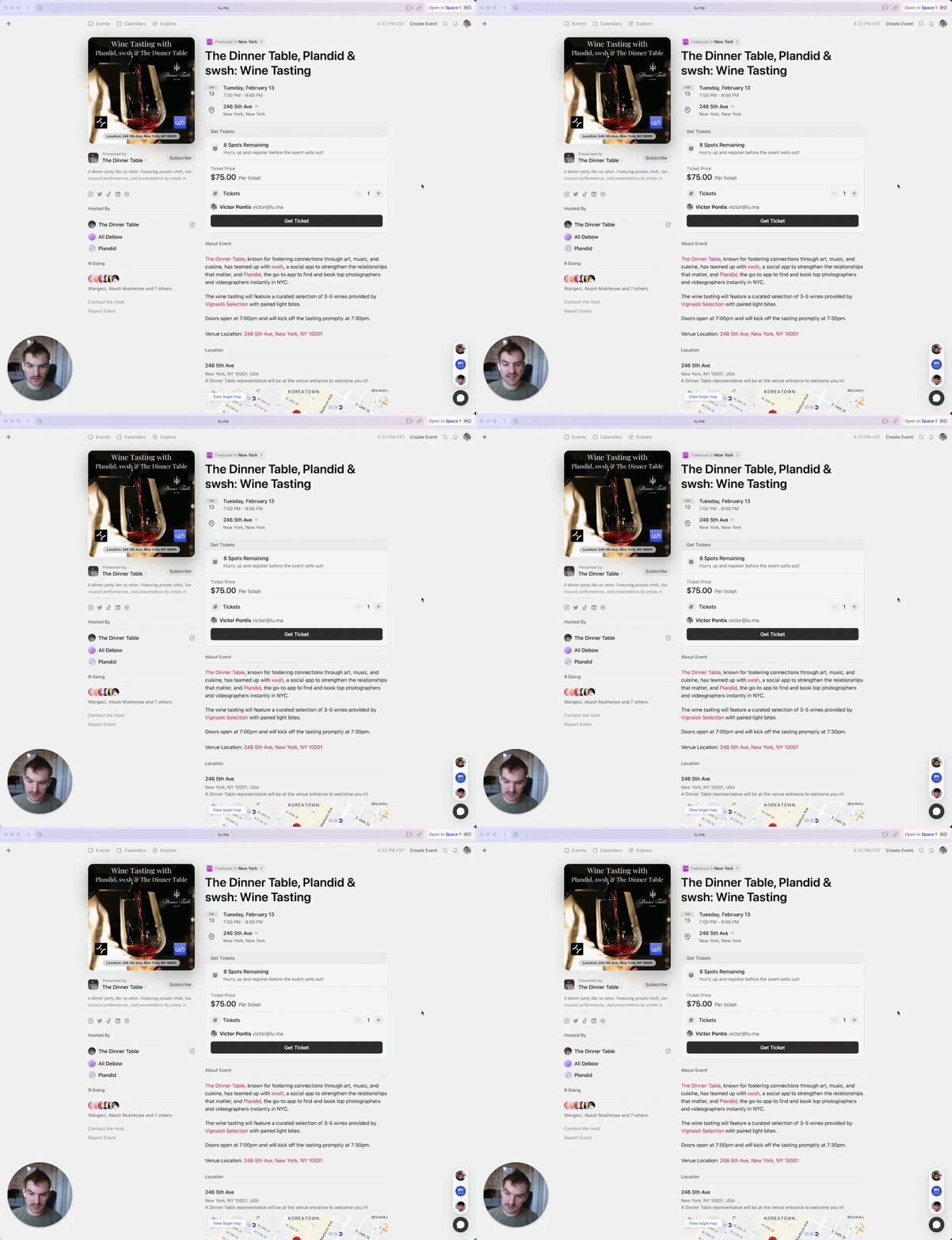
Event Guest List
We recommend sharing your event guest list on your event page. It’s a great way to build social proof and give attendees an idea of who is going to be at the event.
But if you’d like to have a more private list, you can hide the guest list by going to Manage Event → Guests tab and then toggling “Guest List”.
Who Can See the Guest List
When the guest list is shown:
- Anyone viewing the event page sees the number of guests going and the names and photos of a few of them.
- Hosts and approved guests can open the full list of guests.
Guest emails are never shown on the guest list — only names and profile photos. When the guest list is hidden, the guest count and guest names are hidden from everyone except the event’s hosts.
Emails From Luma
Emails sent by Luma come from luma.com or luma-mail.com addresses, unless the host has set up a custom sending domain. If you get an email claiming to be from Luma that comes from another address, don’t click its links — forward it to support@luma.com.