Google Analytics Measurement ID
With Luma Plus, you can add a Google Measurement ID to your calendar to track Luma page views and guest registrations in Google Analytics.
Luma loads your Google Measurement ID on calendar and event pages. We send page views and a purchase event to Google after a guest registers, for both paid and unpaid events. For registrations through embedded checkout on your own website, the purchase is tracked by your site’s Google tag instead — see “Embedded checkout” below.
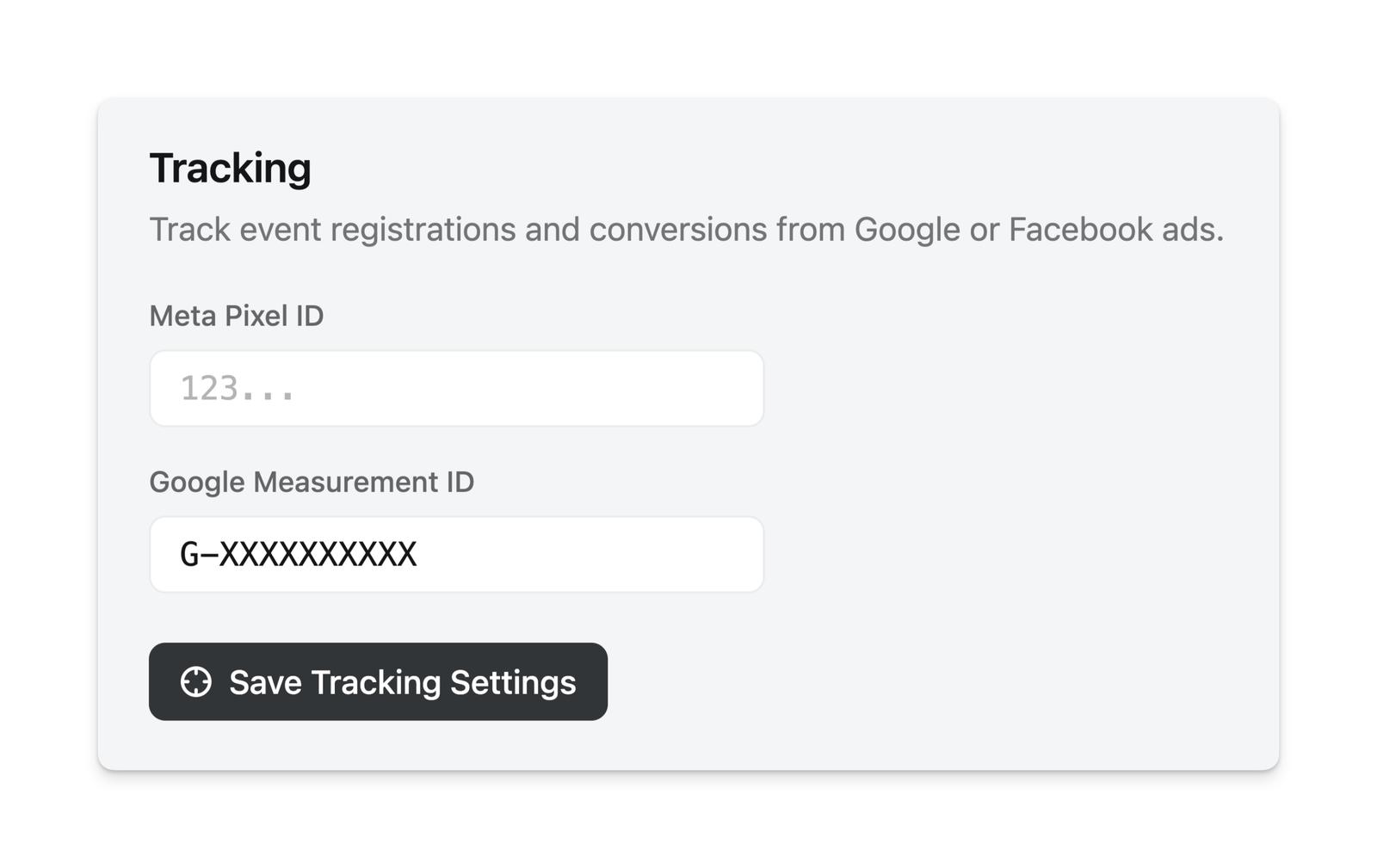
You need Luma Plus in order to set up the Google Measurement ID. Once you’re on Luma Plus, you can set it up at Calendar > Settings > Options.
What ID to use
Use a Google tag ID or Google Analytics Measurement ID, usually starting with G-, GT-, or UA-.
Luma’s integration uses Google’s browser-side tag (gtag.js). It is not a Google Tag Manager container integration, so do not enter a GTM container ID such as GTM-XXXXXXX unless you are intentionally using a Google tag ID that starts with GT-.
How Luma sends events
Luma sends Google Analytics events from the guest’s browser. We do not send host Google Analytics events through server-side Measurement Protocol.
The purchase event includes the event name, event ID, event ticket order ID as the Google Analytics transaction_id, purchase value, tax when applicable, currency, coupon code when one was used, and ticket item details.
Luma does not accept a Google Analytics client_id or session_id from your website. Google Analytics session attribution depends on the browser tag and cross-domain measurement.
Cross-domain attribution
If guests start on your website and then register on Luma, configure Google Analytics cross-domain measurement for luma.com and lu.ma in your Google Analytics property. This lets Google pass its linker parameter to Luma so the Luma registration can stay connected to the original website session.
Luma accepts incoming Google linker parameters and forwards common ad and campaign parameters in embedded checkout, including _gl, gclid, wbraid, gbraid, fbclid, utm_source, utm_medium, and utm_campaign.
Embedded checkout
Browsers block Google Analytics cookies inside a cross-site iframe, so a Google tag running inside embedded Luma checkout cannot send events to Google — this is a Google Analytics limitation that applies to any embedded checkout, not just Luma’s.
Instead, when a guest registers inside an embed, Luma posts a luma:purchase message to your page so the purchase can be tracked by your website’s own Google tag, in the guest’s real session with full campaign attribution:
- Embed as Button — Luma’s embed script forwards the purchase to your page’s
gtag(or Google Tag ManagerdataLayer) automatically. No setup needed beyond having Google Analytics on your site. - Embed Event Page — add a small message listener to your page. See Embed Luma on Your Website for the snippet.
Because the purchase is recorded by your site’s tag in your visitor’s session, source, medium, and campaign come from that session — no cross-domain setup or URL tagging is required for embed purchases.
If Google Analytics shows registrations as (direct) / (none)
If you see Luma registrations under (direct) / (none) in your Google Analytics traffic acquisition reports, it means Google Analytics could not identify the original traffic source for those registrations.
Luma may still have saved tracking parameters such as UTMs or ad click IDs from the registration URL. These can appear in Luma exports, Zapier, webhooks, or the API, but Google Analytics uses its own browser session and cross-domain tracking to decide source and medium.
For registrations on Luma event pages, configure GA4 cross-domain measurement for luma.com and lu.ma, and make sure tracking parameters stay on the URL the guest follows to the event page. For embedded checkout, make sure the purchase is tracked on your own page as described above.