How does Zoom attendance work?
We track attendance for all online events using Luma join links. If you’ve connected your Zoom account, we also pull additional attendance data directly from Zoom.
Luma Join Links
Every guest receives a join link in the form luma.com/join/.... When they click on that link, they will be redirected to the actual meeting. This works for any online event platform — Zoom, Google Meet, YouTube Live, Twitch, custom URLs, and more.
We track when any guest clicks that link and we show you that information in the Guests tab. You can click on a guest to see if they have joined.
The join timestamp records the first time a guest clicks the link. If they click it again later, the original timestamp is preserved. Note that guests can click the join link before the event starts, so “has joined” doesn’t necessarily mean they attended during the scheduled time.
Zoom API Data
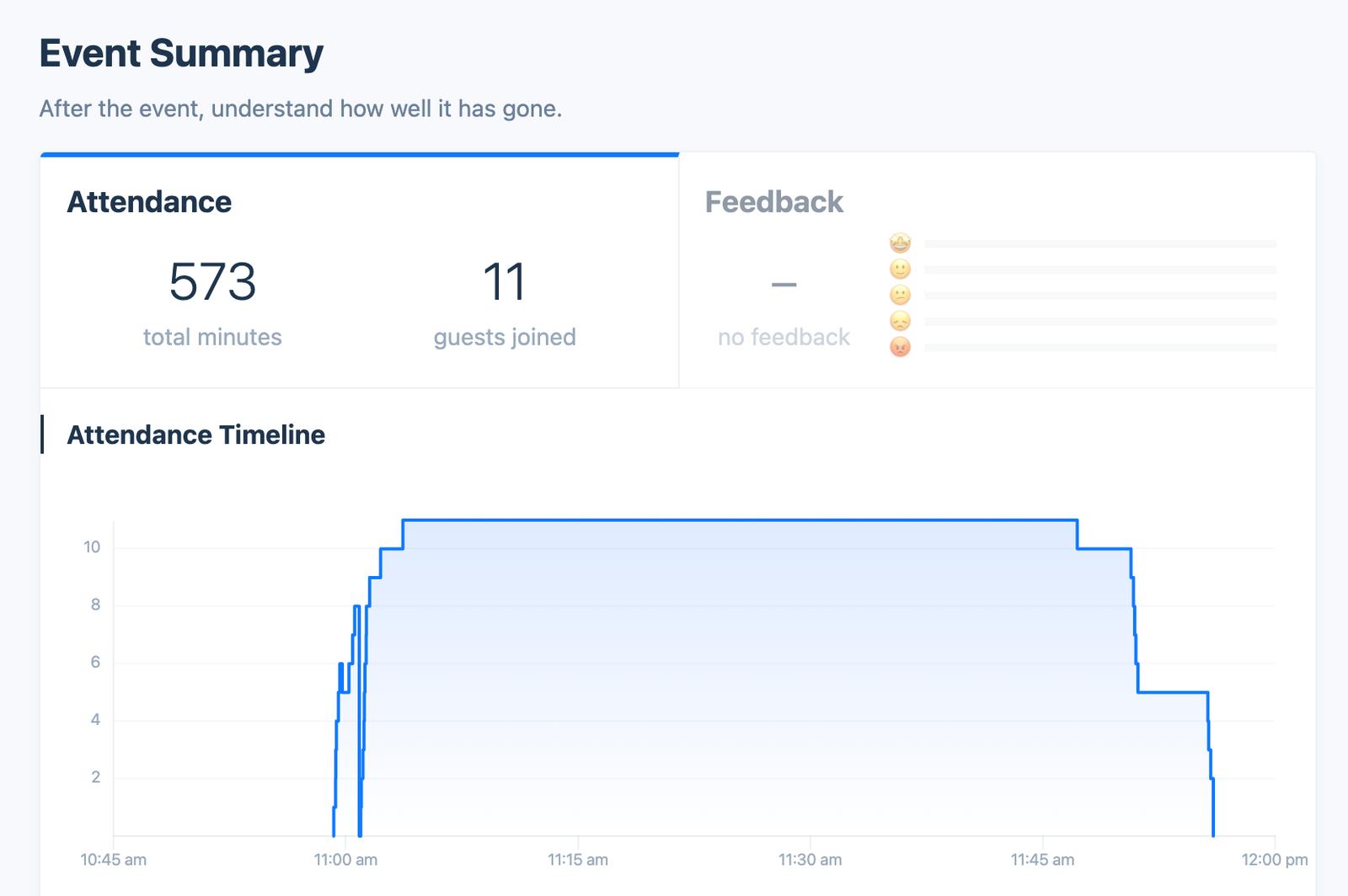
If you connect your Zoom account, we will pull data from Zoom to show you who attended the event in Zoom.
You can find this information on the Insights tab.
Differences Between Join Link and Zoom API
Unfortunately, Zoom does not give us the email address of the people who join the event. Zoom gives us the name of participants and this usually doesn’t match their name in the guest list.
So these numbers can be different for a couple reasons:
- If someone clicks the join link multiple times they will show up multiple times in Zoom
- If someone clicks on the join link but can’t get into Zoom they won’t show up in the Zoom attendance
- If someone joins directly via a Zoom link or ID we will not know they have joined on the guests table