Two Factor Authentication
Two-Factor Authentication (2FA) adds a second step to signing in. Once it’s on, every sign-in — email code, phone code, password, Google, or Apple — also asks for a 6-digit code from an authenticator app such as 1Password or Google Authenticator. Passkeys skip the 2FA step.
Setting Up Two-Factor
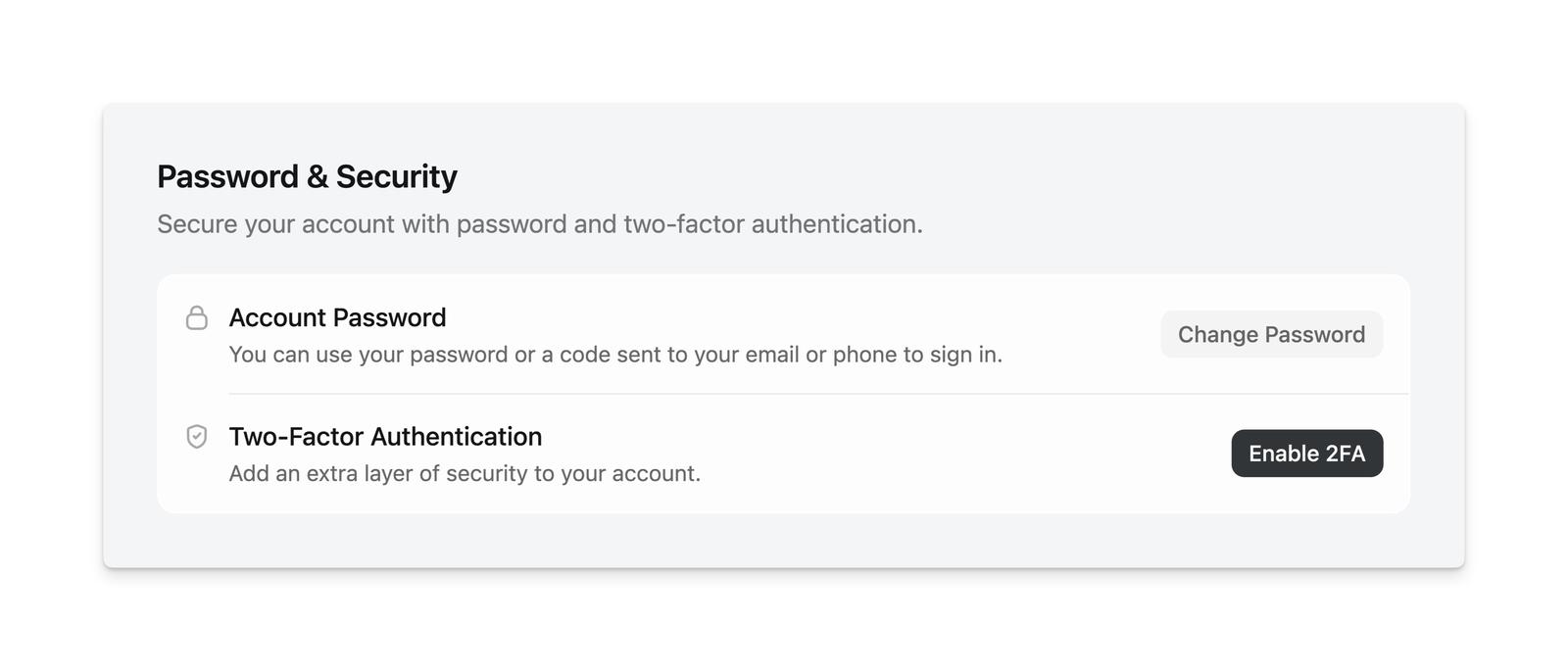
Go to Settings > Password & Security and choose Enable Two-Factor Authentication, then scan the QR code with your authenticator app and enter the code it shows. No password is required.
Add a passkey too. It’s your way back in if you ever lose your authenticator.
Disabling Two-Factor
Turn 2FA off from the same Password & Security section. We’ll confirm it’s you first with a passkey or a code sent to your email or phone.
Lost Access to Your Authenticator App?
Sign in with a passkey if you have one; passkeys skip the authenticator step. If your codes are in a password manager, check any shared vaults too. If you’ve lost both, email support@luma.com from the address on your Luma account. Recovering access without your authenticator requires a manual review to verify you own the account, and we can’t restore access in every case.