Updating Event Information
We want to make sure that your guests stay up-to-date as you change information on your event.
When you change any of the following information, we will send guests an update with a new calendar invite:
- Event Name
- Event Start Time / Duration
- Event Location
Note if it’s a virtual event and you change the virtual link, we will not send an update email because we will automatically route guests to the new virtual link.
If you are only editing information like the description or theme, we will not send out an update or notification. We only send out updates/notifications when you edit crucial pieces of information that we don’t expect to be changed often. Reiterating that - if you just edit the description, we will not send out an update/notification.
In the screenshot below, you can see a footer “Guests will receive an email update.” which we will show when you’ve changed information that requires an update.
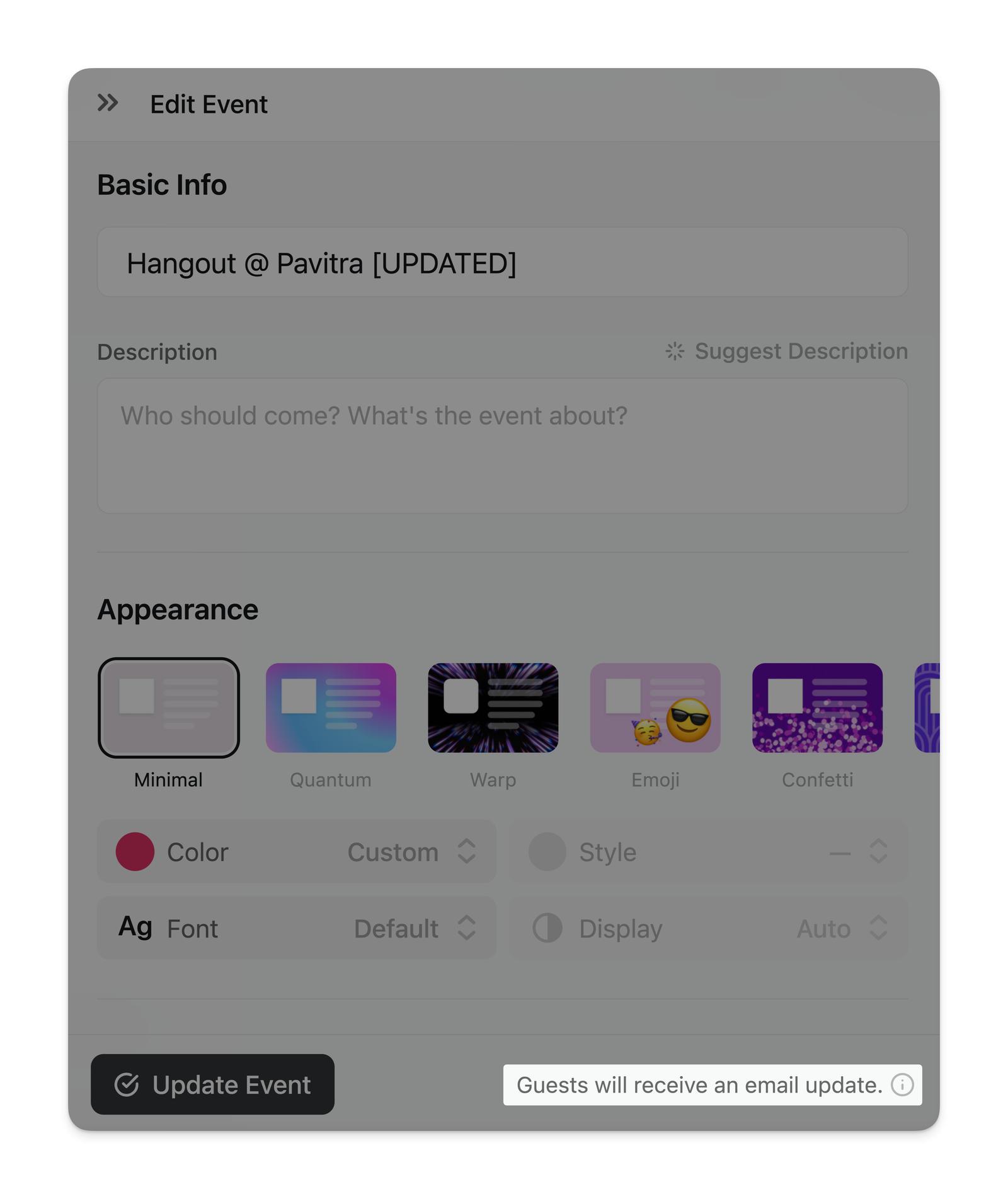
If a guest has the iOS app, we’ll also push them a notification with the new event information.
These updates will go out to guests that are “Going” to your event — if they are in another status such as “Invited” or “Not Going” they will not receive these updates. To let invited guests know about a change, send a blast with the recipients set to “Invited”. Guests who are going won’t see it on the event page, since blasts there are filtered by each guest’s current status.
Updating Event URL
If you have Luma Plus, you can update the URL of your event to a custom link like luma.com/my-event.
When you change your event URL, your old link automatically forwards to the new one — anyone who opens the old link will still land on your event. The same applies when you change a calendar URL.
One thing to keep in mind: your old URL becomes available for others to claim. If another event or calendar takes it, the old link points to their page instead of forwarding to yours. So it’s still best to settle on your URL before sharing your event widely.
We support custom Event URLs under luma.com/slug but we do not support white labeled URLs. So you cannot use your own URL to host your Luma event. If you’d like to do that, you should check out our embed and API options.