How does Zoom attendance work?
We track attendance for all online events using Luma join links. If you’ve connected your Zoom account, we also pull additional attendance data directly from Zoom.
Luma Join Links
Every guest receives a join link in the form luma.com/join/.... When they click on that link, they will be redirected to the actual meeting. This works for any online event platform — Zoom, Google Meet, YouTube Live, Twitch, custom URLs, and more.
We track when any guest clicks that link and we show you that information in the Guests tab. You can click on a guest to see if they have joined.
Joining isn’t the same as checking in. Join link clicks and Zoom attendance don’t count as check-ins, so they aren’t included in a contact’s Events Checked In count on your calendar.
The join timestamp records the first time a guest clicks the link. If they click it again later, the original timestamp is preserved. Note that guests can click the join link before the event starts, so “has joined” doesn’t necessarily mean they attended during the scheduled time.
Zoom API Data
If you connect your Zoom account, we will pull data from Zoom to show you who attended the event in Zoom.
You can find this information on the Insights tab.
Zoom attendance comes from the Zoom account linked to the Luma account that created the event. If that Zoom is unlinked, we stop pulling attendance from Zoom, but join link tracking keeps working.
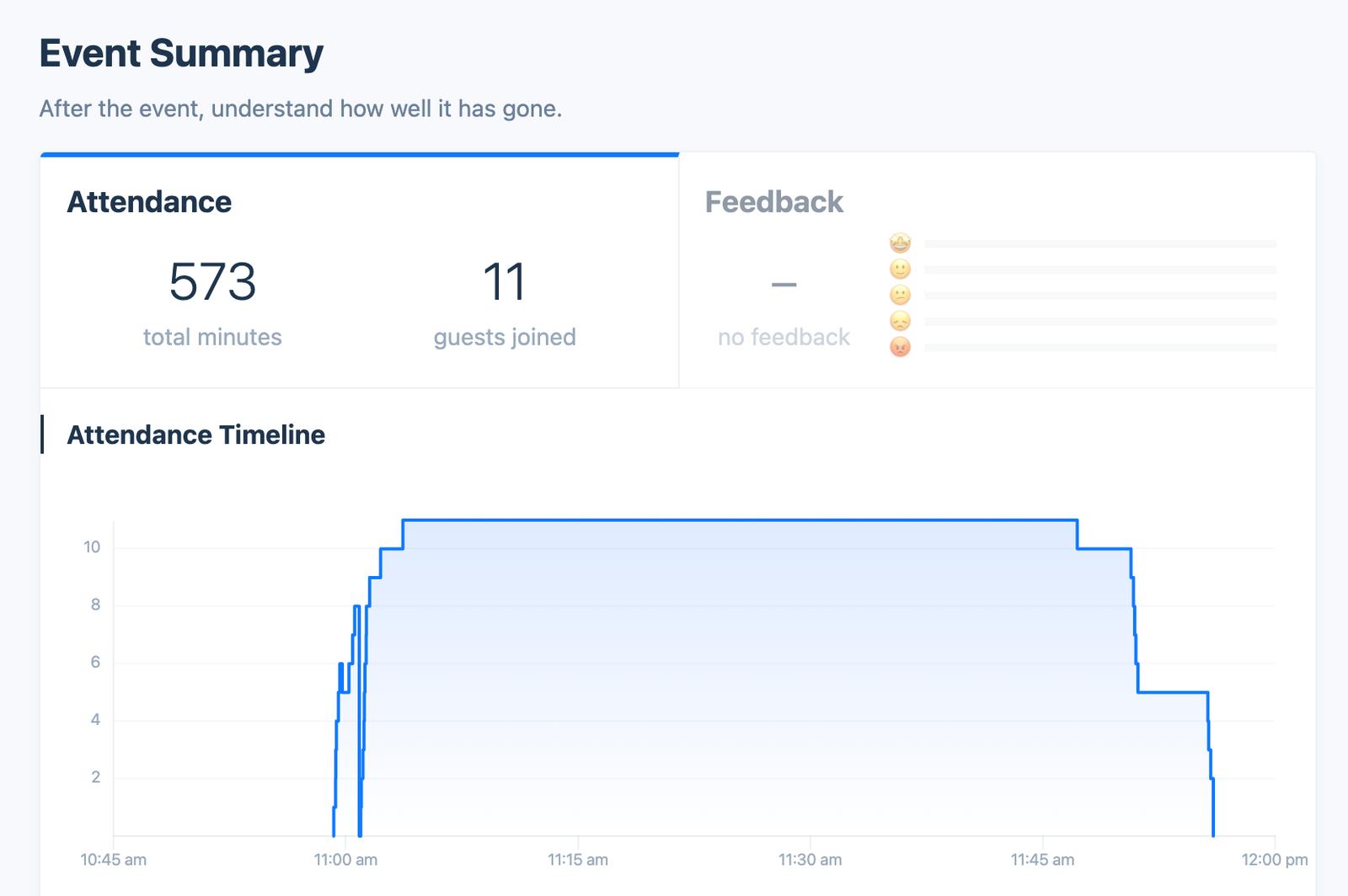
Differences Between Join Link and Zoom API
Unfortunately, Zoom does not give us the email address of the people who join the event. Zoom gives us the name of participants and this usually doesn’t match their name in the guest list.
So these numbers can be different for a couple reasons:
- Zoom reports a new session each time someone joins, rejoins, or moves to a breakout room and back. We merge these into one participant by Zoom account, or by display name for people who aren’t signed in to Zoom — so two people with the same display name will be counted as one.
- If someone clicks on the join link but can’t get into Zoom they won’t show up in the Zoom attendance
- If someone joins directly via a Zoom link or ID we will not know they have joined on the guests table